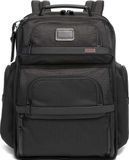
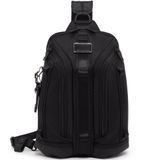
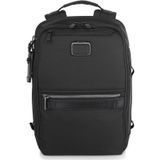
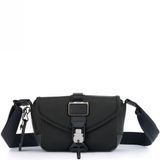
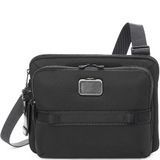
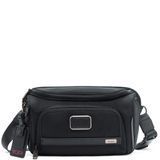
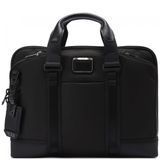
Every year, thousands of travelers lose their bags. That's why TUMI created the exclusive, free TUMI Tracer® program. The program helps reunite owners with their lost or stolen items, including suitcases and briefcases.
If a lost or stolen item is found, we can connect the finder with the rightful owner.
Important. In light of recent events, we want to emphasize that TUMI Tracer® is not a real-time tracking system. This is not a GPS tracker.
What should I do?
Step 1
Go to the official European website https://uk.tumi.com/tumi-tracer/ and register to create a personal account. This is necessary for further actions.
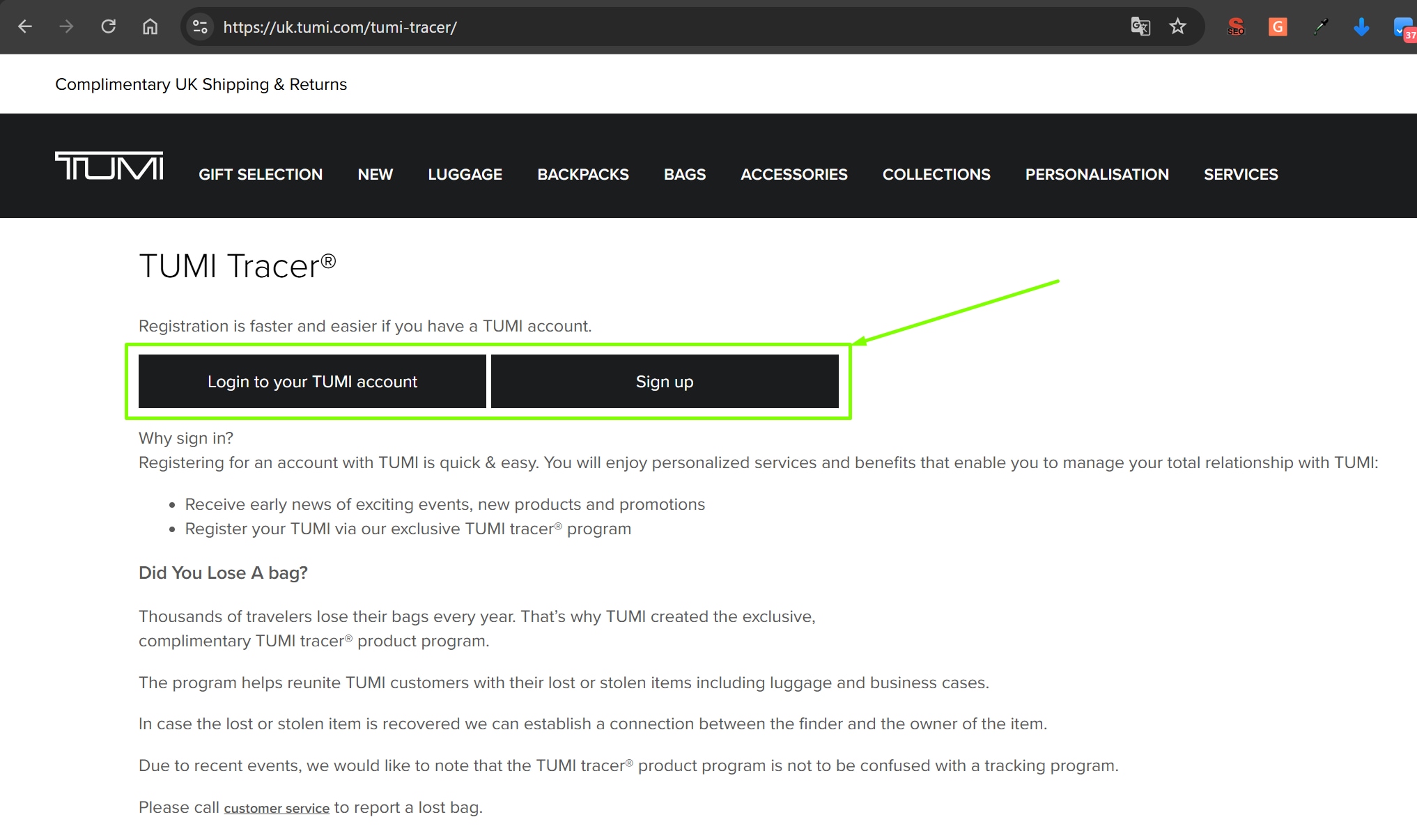
Step 2
After registration, log in to your buyer's account to access the required functionality.
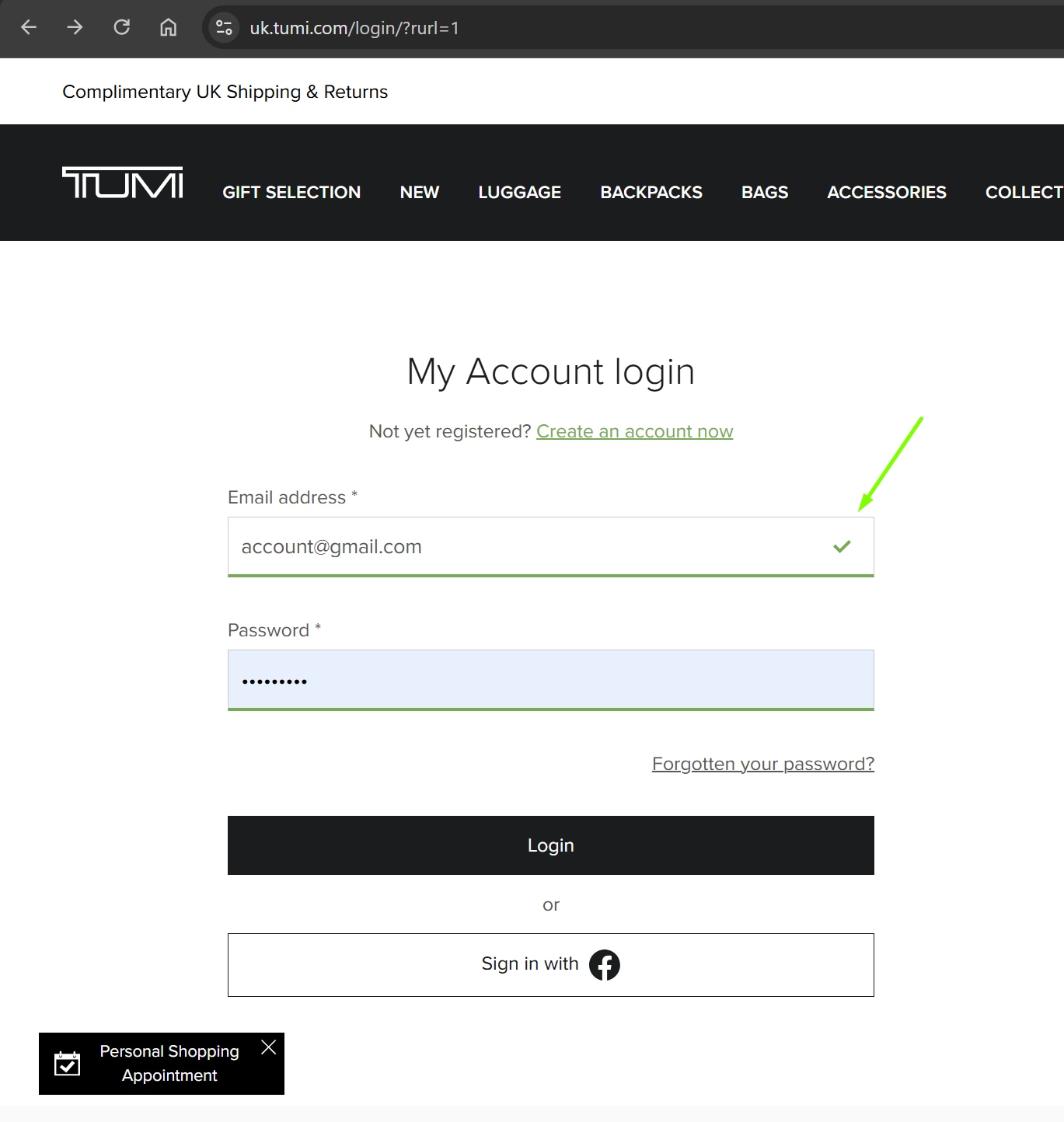
Step 3
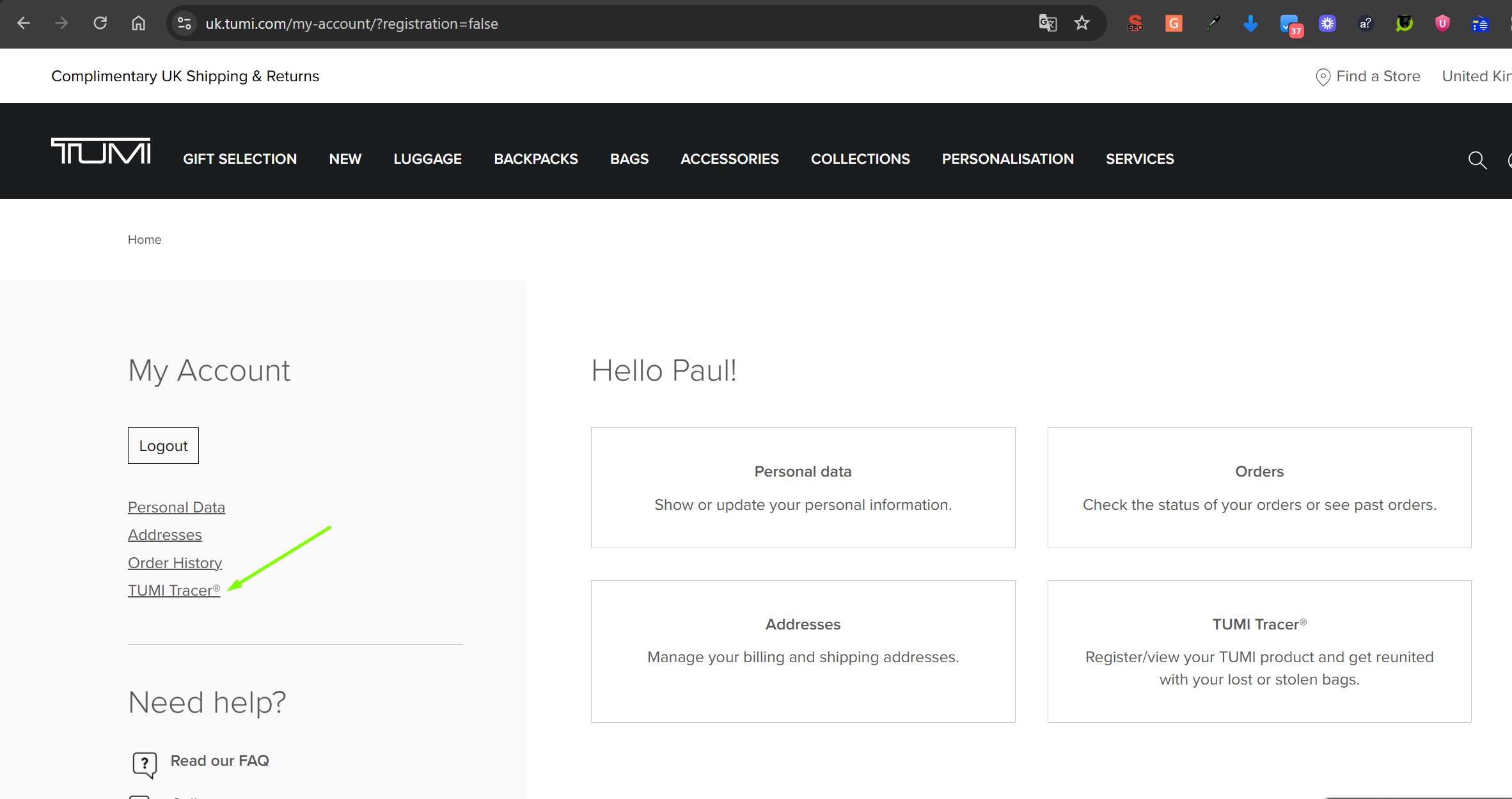
After logging in, find it in the left sidebar TUMI Tracer® and click on it.
Important. Products purchased in Ukraine from our official website or from our dealers' websites can be registered on the official European website.
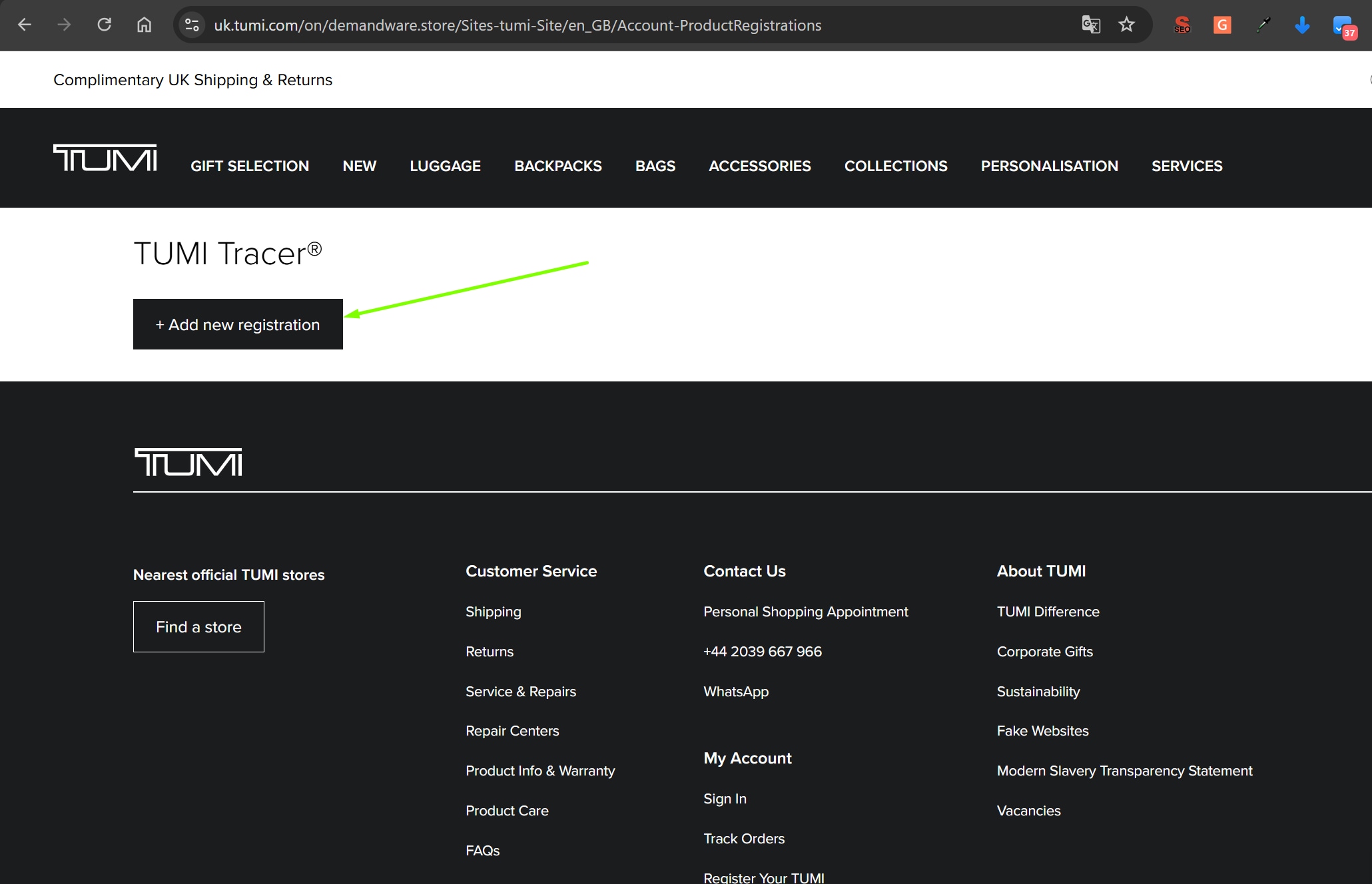
Step 4
Click the + Add new registration button, which will take you to the product registration page.
Step 5
Fill out all fields in the product registration form.
Part 1
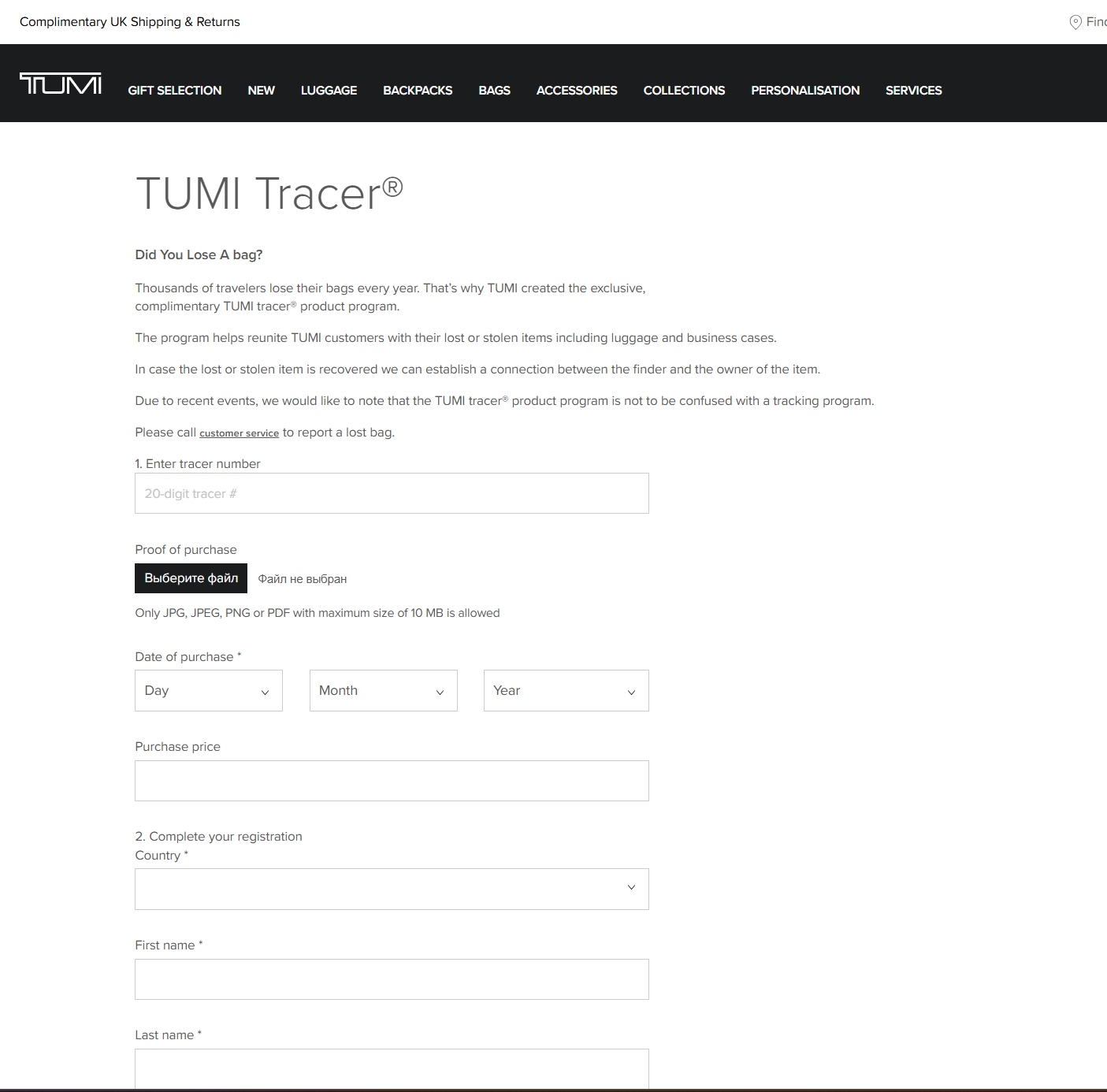
Important.When filling out the first step, use the 20-digit code found on your TUMI product.
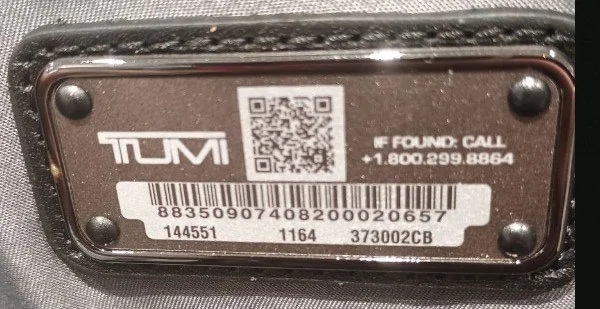
Part 2
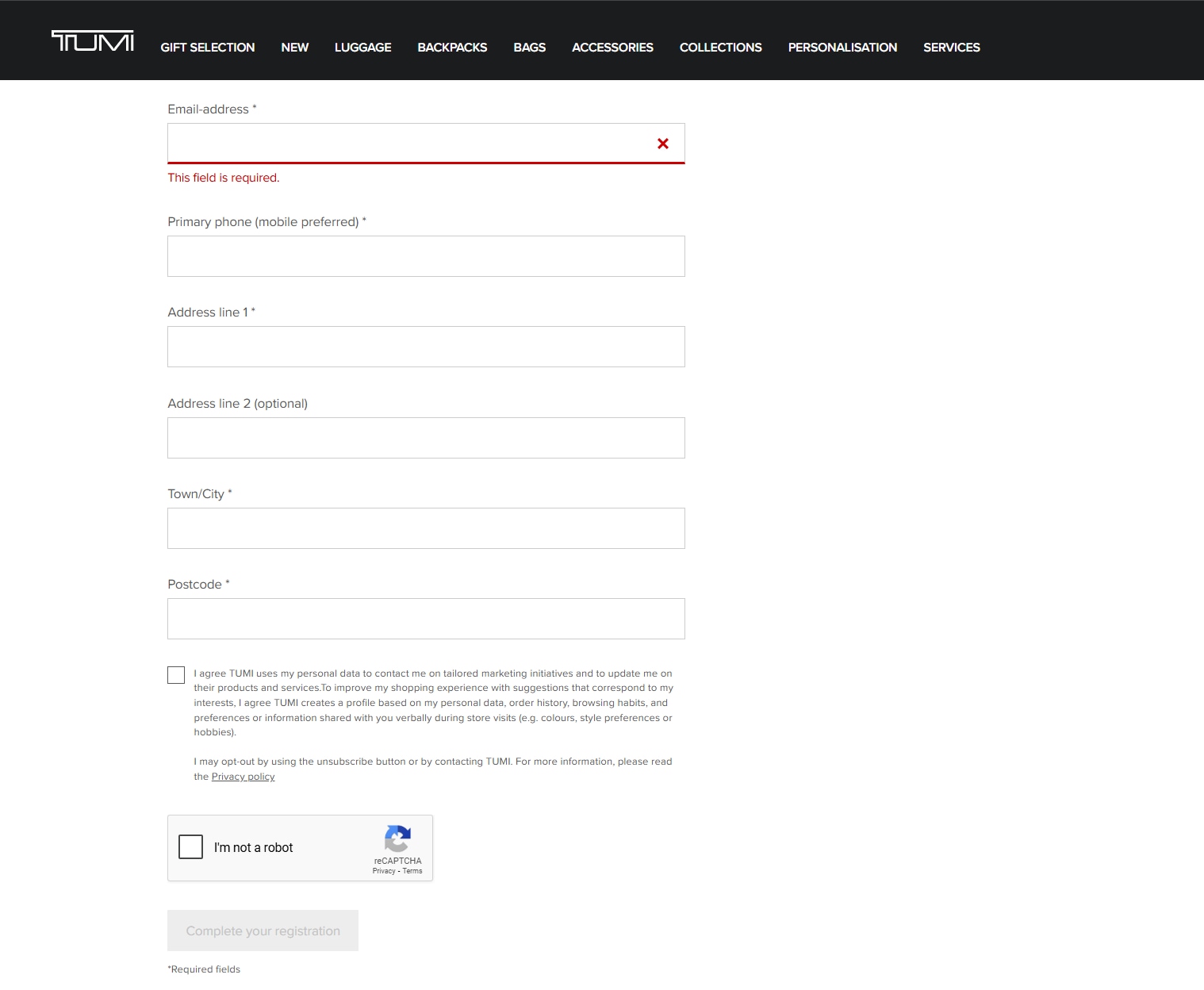
Step 6
After completing registration, your item will be added to the tracking system. If a lost or stolen item is found, we will be able to connect the finder with the owner.